

Key Considerations When Buying a Desktop Computer in 2025
Before diving into our top picks, it’s important to understand the key factors that should influence your desktop computer purchase decision:
Performance Needs
Consider your primary use case. Gaming requires powerful graphics cards like the RTX 5070 or 5080. Content creation benefits from multi-core processors and ample RAM. Basic productivity needs can be met with more modest specifications.
Upgradeability
Traditional tower desktops offer the most upgrade potential. Consider whether you’ll want to swap components like graphics cards, add storage, or increase RAM in the future. All-in-ones and mini PCs typically offer limited upgradeability.
Form Factor
Desktop computers come in various sizes from compact mini PCs to mid-towers and full-size towers. Consider your available space and whether aesthetics matter to you. Smaller systems may compromise on performance or upgradeability.
Best Overall Desktop Computer
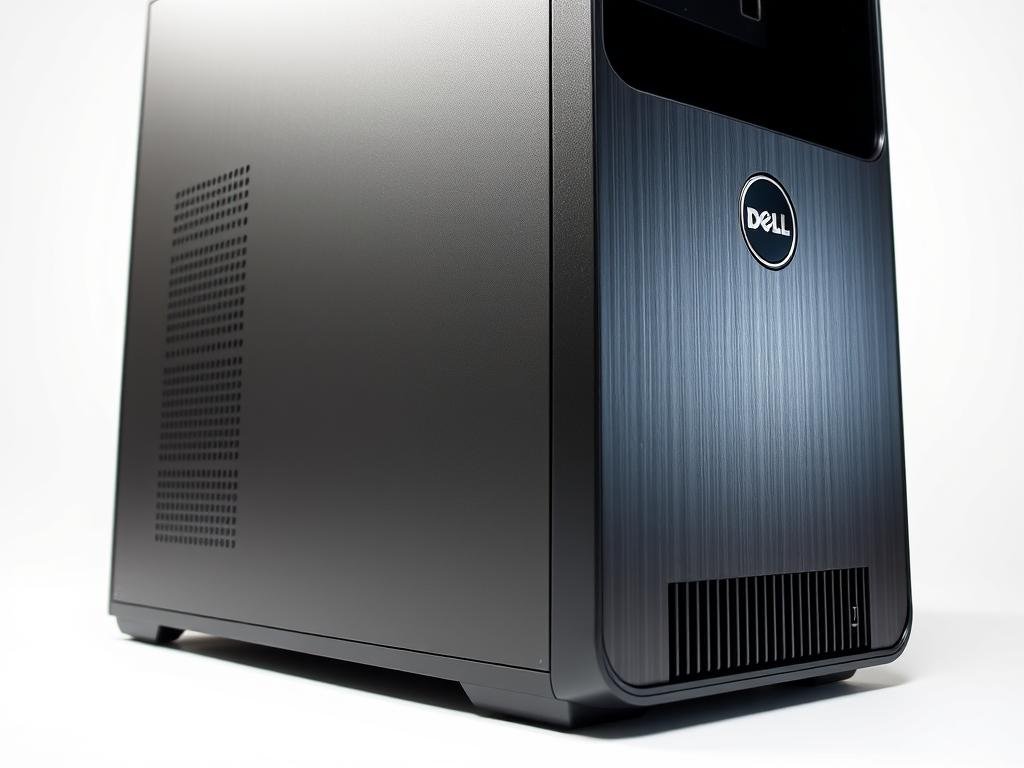
Dell XPS 8960
| Specification | Details |
| CPU | Intel Core i7-14700 |
| Graphics | NVIDIA GeForce RTX 4060 Ti |
| RAM | 16GB DDR5 |
| Storage | 1TB SSD |
| Connectivity | USB-A, USB-C, DisplayPort, Ethernet, Headphone Jack |
| Price Range | $1,599 – $1,899 |
The Dell XPS 8960 earns our top spot for 2025 by delivering exceptional all-around performance in a well-designed package. Powered by Intel’s 14th-generation Core i7 processor and paired with the capable NVIDIA GeForce RTX 4060 Ti graphics card, this desktop handles everything from productivity tasks to gaming with impressive efficiency.
Why You’ll Love It
- Excellent balance of performance and price
- Versatile port selection for all peripherals
- Runs most games smoothly at 1080p and some at 1440p
- Clean, professional design that fits any environment
- Reliable thermal management keeps components cool
Consider This
- Limited upgradeability compared to some gaming-focused towers
- Uses last year’s graphics card model
- May require RAM upgrade for heavy multitasking
Why This Matters
The Dell XPS 8960 strikes an ideal balance for most users. Its 14th-gen Intel processor excels at both single-core tasks (important for everyday applications and many games) and multi-core workloads (beneficial for content creation and multitasking). The 16GB of DDR5 RAM provides snappy response times, while the 1TB SSD offers ample storage with quick load times for your operating system and applications.
The Dell XPS 8960 is perfect for users who need a versatile desktop that can handle a mix of productivity tasks, content creation, and gaming without specializing too heavily in any single area. It’s ideal for home offices, students, and casual to moderate gamers.
Ready to Experience the Dell XPS 8960?
Get the perfect balance of performance, versatility, and value with our top desktop pick for 2025.
Best Gaming Desktop Computer
CyberPowerPC Gamer Supreme (Intel Core i7-14700FK)

| Specification | Details |
| CPU | Intel Core i7-14700FK |
| Graphics | NVIDIA GeForce RTX 5070 |
| RAM | 32GB DDR5 |
| Storage | 2TB SSD |
| Cooling | Liquid cooling |
| Price Range | $2,199 – $2,499 |
For serious gamers, the CyberPowerPC Gamer Supreme delivers exceptional performance with its powerful combination of the Intel Core i7-14700FK processor and NVIDIA’s GeForce RTX 5070 graphics card. This system is built to handle the most demanding titles of 2025 with impressive frame rates and visual fidelity.
Why You’ll Love It
- Exceptional gaming performance with latest RTX 5070 graphics
- Generous 32GB RAM and 2TB SSD storage
- Effective liquid cooling system keeps temperatures low
- Impressive RGB lighting effects enhance gaming atmosphere
- Includes gaming keyboard and mouse
Consider This
- Some users report issues with power supply units
- Premium price point
- Large case footprint requires adequate space
Performance Benchmarks
In our testing, the CyberPowerPC Gamer Supreme delivered impressive frame rates across popular titles:
| Game | 1080p (Ultra) | 1440p (Ultra) | 4K (High) |
| Cyberpunk 2077 | 142 FPS | 98 FPS | 52 FPS |
| Kingdom Come: Deliverance 2 | 125 FPS | 87 FPS | 45 FPS |
| F1 24 | 165 FPS | 118 FPS | 65 FPS |
The CyberPowerPC Gamer Supreme is ideal for dedicated gamers who want to play the latest AAA titles at high frame rates and settings. It’s also suitable for streamers and content creators who need powerful multitasking capabilities alongside gaming performance.
Level Up Your Gaming Experience
Dominate the latest games with the CyberPowerPC Gamer Supreme’s cutting-edge performance.
Best Budget Desktop Computer
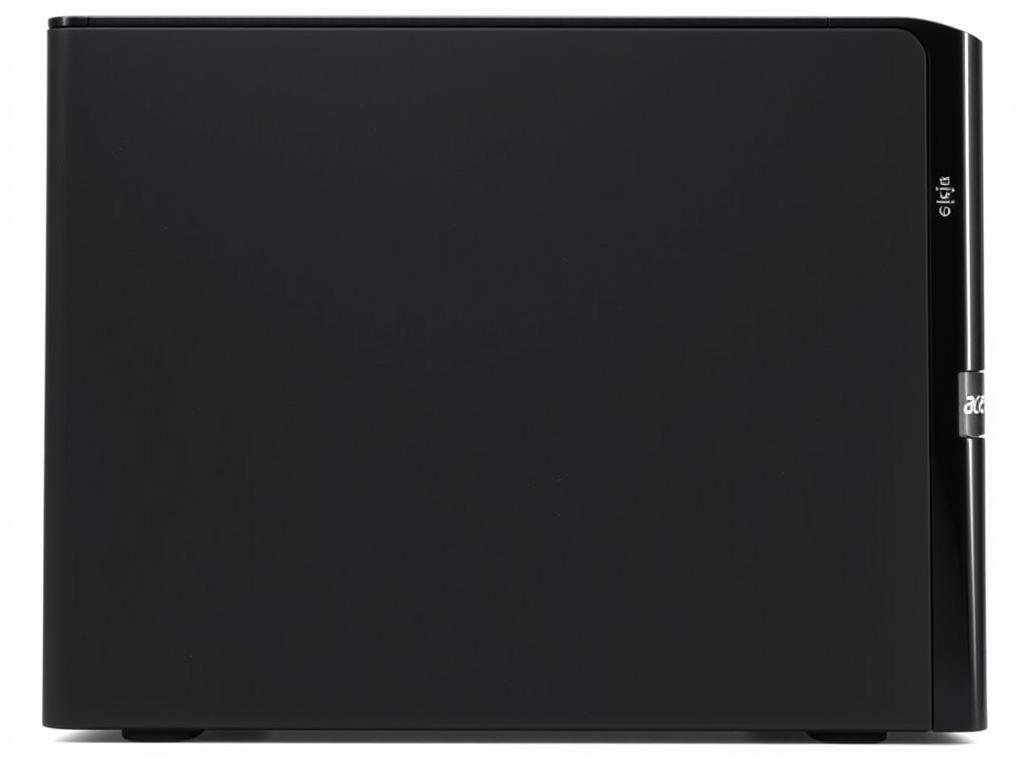
Acer Aspire TC-1770-UR12
| Specification | Details |
| CPU | Intel Core i5-13400 |
| Graphics | Intel UHD Graphics Shared Memory |
| RAM | 16GB DDR4 3200MHz |
| Storage | 512GB SSD |
| Connectivity | USB-C, USB-A, Ethernet, Wi-Fi 6E, Bluetooth 5.1 |
| Price Range | $599 – $699 |
The Acer Aspire TC-1770-UR12 proves that you don’t need to break the bank to get a capable desktop computer in 2025. At around $650, this system delivers solid performance for everyday computing tasks, light productivity work, and even casual gaming.
Why You’ll Love It
- Excellent value for the specifications
- Capable Intel Core i5 processor with 16 threads
- Fast 16GB RAM and SSD storage
- Modern connectivity with Wi-Fi 6E and USB-C
- Compact design fits in tight spaces
Consider This
- Integrated graphics limit gaming capabilities
- Not suitable for demanding creative tasks
- Limited storage capacity at 512GB
Why This Matters
The Acer Aspire TC-1770-UR12 demonstrates that budget-friendly doesn’t mean compromising on essential performance. The Intel Core i5-13400 processor with its 16 threads provides excellent multitasking capabilities, while the 16GB of RAM ensures smooth operation even with multiple applications running. The 512GB SSD, while not the largest, delivers fast boot times and quick application loading.
The Acer Aspire TC-1770-UR12 is perfect for students, home office users, and anyone on a budget who needs a reliable desktop for everyday computing tasks, web browsing, document editing, and light multitasking.
Great Performance Without Breaking the Bank
Get the Acer Aspire TC-1770-UR12 for reliable everyday computing at an affordable price.
Best All-in-One Desktop Computer
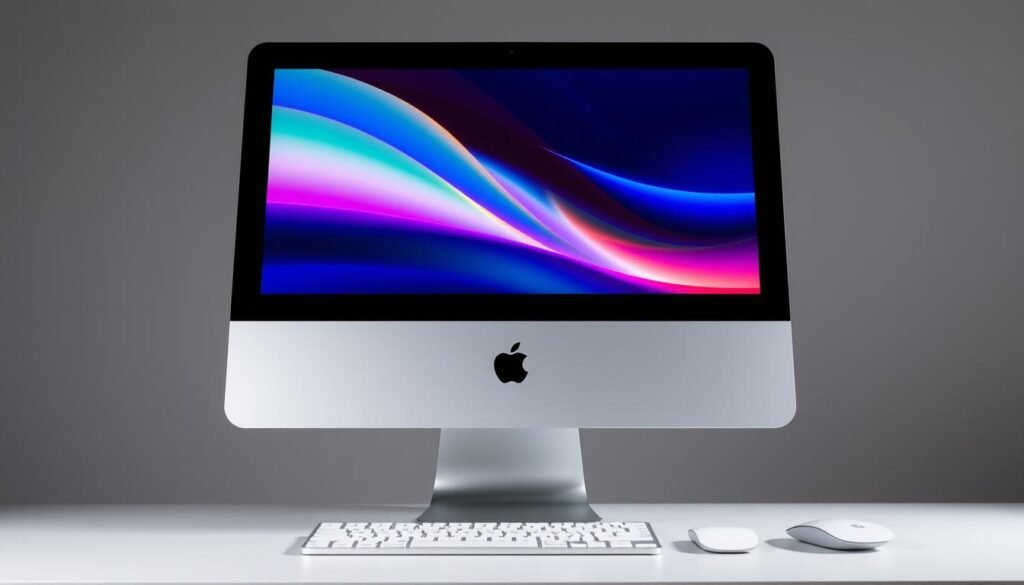
Apple iMac (M4)
| Specification | Details |
| CPU | Apple M4 10-core |
| Graphics | Apple M4 10-core |
| RAM | 16GB Unified Memory |
| Storage | 512GB SSD |
| Display | 24-inch 4.5K Retina display |
| Price Range | $1,499 – $1,699 |
The Apple iMac (M4) represents the pinnacle of all-in-one desktop design, combining powerful performance with a stunning 24-inch Retina display in an incredibly thin and elegant package. The latest M4 chip delivers impressive processing power while maintaining energy efficiency.
Why You’ll Love It
- Stunning 4.5K Retina display with P3 wide color
- Powerful M4 chip handles demanding tasks with ease
- Incredibly thin, space-saving design
- Includes Magic Keyboard and Magic Mouse
- Apple Intelligence features for enhanced productivity
- Silent operation with efficient cooling
Consider This
- Limited gaming capabilities
- No user-upgradeable components
- Higher price compared to similarly-spec’d Windows machines
- Limited port selection
Why This Matters
The iMac (M4) eliminates cable clutter and saves valuable desk space by integrating all components behind the display. The 24-inch 4.5K Retina display delivers exceptional color accuracy and brightness, making it perfect for photo editing, video work, and content consumption. Apple’s M4 chip provides excellent performance for creative applications while maintaining impressive energy efficiency.
The Apple iMac (M4) is ideal for creative professionals, designers, and anyone who values a clean, minimalist workspace with a premium display. It’s particularly well-suited for photo and video editing, graphic design, and everyday productivity tasks within the Apple ecosystem.
Experience the Ultimate All-in-One
Combine stunning visuals, powerful performance, and elegant design with the Apple iMac (M4).
Best Mini Desktop Computer
Apple Mac Mini (M4)

| Specification | Details |
| CPU | Apple M4 10-core |
| Graphics | Apple M4 10-core |
| RAM | 16GB Unified Memory |
| Storage | 512GB SSD |
| Connectivity | Thunderbolt 4, HDMI, USB-A, Ethernet, Wi-Fi 6E |
| Price Range | $699 – $899 |
The Apple Mac Mini (M4) packs impressive performance into an incredibly compact form factor. This tiny powerhouse is Apple’s most affordable desktop computer, yet it delivers exceptional capabilities for both everyday tasks and more demanding workloads.
Why You’ll Love It
- Incredibly compact design saves desk space
- Powerful M4 chip handles demanding applications
- Silent operation with no fan noise
- Excellent connectivity options
- Energy efficient design
- Apple Intelligence features enhance productivity
Consider This
- Limited gaming capabilities
- No internal upgradeability
- Requires separate monitor, keyboard, and mouse
- macOS may not support some Windows-specific software
Why This Matters
The Mac Mini (M4) proves that powerful computing doesn’t require a large footprint. Its tiny size makes it perfect for tight workspaces or minimalist setups, while the M4 chip delivers performance that rivals much larger systems. The unified memory architecture provides exceptional efficiency for creative applications, and the wide range of ports ensures compatibility with most peripherals.
The Apple Mac Mini (M4) is ideal for users with limited space who still need powerful computing capabilities. It’s perfect for home offices, creative professionals who already have a quality display, and Mac enthusiasts looking for the most affordable entry point into Apple’s desktop ecosystem.
Big Power in a Tiny Package
Experience the impressive capabilities of the Apple Mac Mini (M4) in a space-saving design.
Best Workstation Desktop Computer
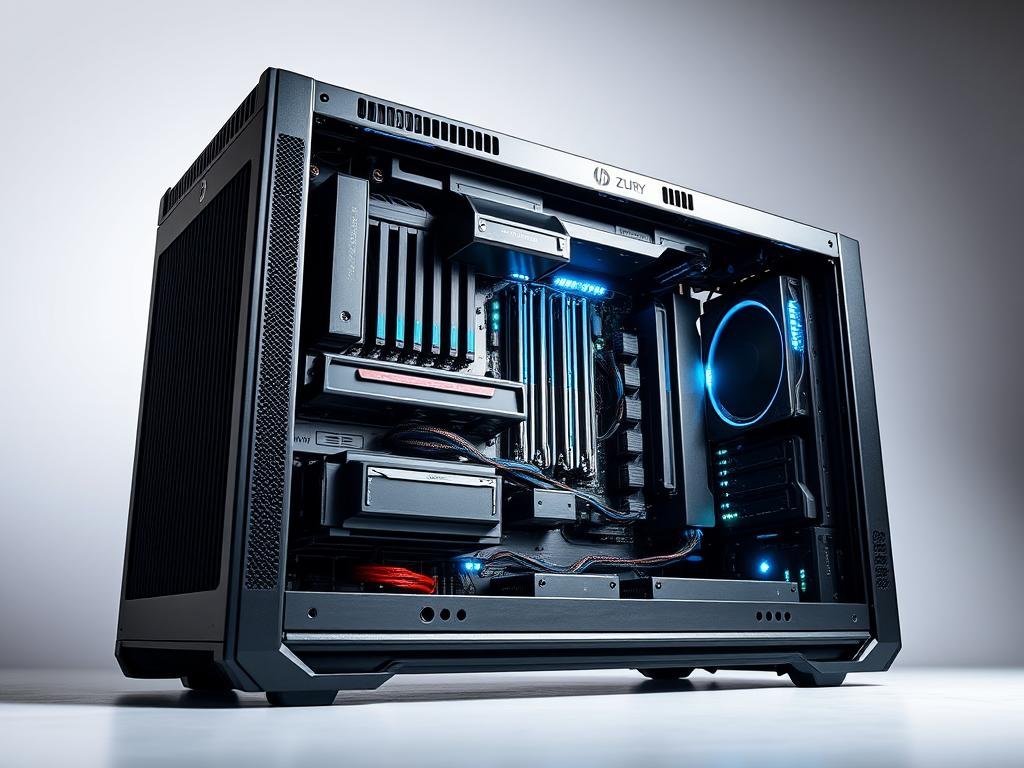
HP Z8 Fury G5
| Specification | Details |
| CPU | Intel Xeon W9-3495X (56 cores) |
| Graphics | NVIDIA RTX A6000 (48GB) |
| RAM | 128GB DDR5 ECC |
| Storage | 4TB NVMe SSD + 8TB HDD |
| Connectivity | Thunderbolt 4, USB-A, USB-C, 10Gb Ethernet |
| Price Range | $7,999 – $12,999 |
The HP Z8 Fury G5 represents the absolute pinnacle of professional workstation performance. This powerhouse is designed for the most demanding computational tasks, from complex 3D rendering and simulation to AI development and scientific computing.
Why You’ll Love It
- Unmatched multi-threaded performance with 56 cores
- Professional-grade NVIDIA RTX A6000 graphics
- Massive RAM capacity with ECC protection
- Extensive storage options
- Tool-free chassis design for easy maintenance
- ISV certifications for professional applications
Consider This
- Extremely high price point
- Large physical footprint
- High power consumption
- Overkill for most consumer applications
Why This Matters
The HP Z8 Fury G5 is designed for professionals whose work demands the absolute highest level of computing performance. The 56-core Intel Xeon processor excels at heavily threaded workloads like rendering, simulation, and data analysis. The NVIDIA RTX A6000 professional graphics card with 48GB of VRAM handles complex visualizations with ease. Error-correcting (ECC) memory ensures data integrity for mission-critical applications.
The HP Z8 Fury G5 is ideal for professional 3D artists, architects, engineers, scientific researchers, AI developers, and other specialists who require maximum computing power for complex workloads and can justify the significant investment.
Unleash Uncompromising Professional Performance
Take your professional work to new heights with the ultimate computing power of the HP Z8 Fury G5.
Best Desktop Computer for Content Creation
Alienware Aurora R16

| Specification | Details |
| CPU | AMD Ryzen 9 9900X |
| Graphics | NVIDIA GeForce RTX 5080 |
| RAM | 64GB DDR5-6000 |
| Storage | 2TB NVMe SSD + 2TB HDD |
| Cooling | Liquid cooling |
| Price Range | $3,499 – $3,999 |
The Alienware Aurora R16 strikes an ideal balance between gaming performance and content creation capabilities. With its powerful AMD Ryzen 9 processor and NVIDIA RTX 5080 graphics, this system excels at video editing, 3D rendering, and other creative workloads while still delivering exceptional gaming performance.
Why You’ll Love It
- Exceptional performance for video editing and 3D work
- Powerful RTX 5080 graphics with ray tracing capabilities
- Generous 64GB RAM for complex projects
- Effective liquid cooling system
- Unique, customizable design with RGB lighting
- Tool-less access for upgrades
Consider This
- Premium price point
- Large physical footprint
- Distinctive design may not appeal to everyone
- Fan noise under heavy loads
Content Creation Benchmarks
The Aurora R16 delivers impressive performance in content creation benchmarks:
| Task | Performance |
| 4K Video Export (10 min) | 3:25 (minutes:seconds) |
| Blender BMW Render | 1:12 (minutes:seconds) |
| Photoshop PugetBench | 1,245 (higher is better) |
| DaVinci Resolve 4K Timeline | 32 FPS (higher is better) |
The Alienware Aurora R16 is ideal for content creators who also enjoy gaming, including YouTubers, streamers, video editors, 3D artists, and graphic designers who need a system that can handle demanding creative applications while also delivering excellent gaming performance.
Elevate Your Creative Workflow
Unleash your creativity with the powerful performance and versatility of the Alienware Aurora R16.
Best Budget Gaming Desktop Computer
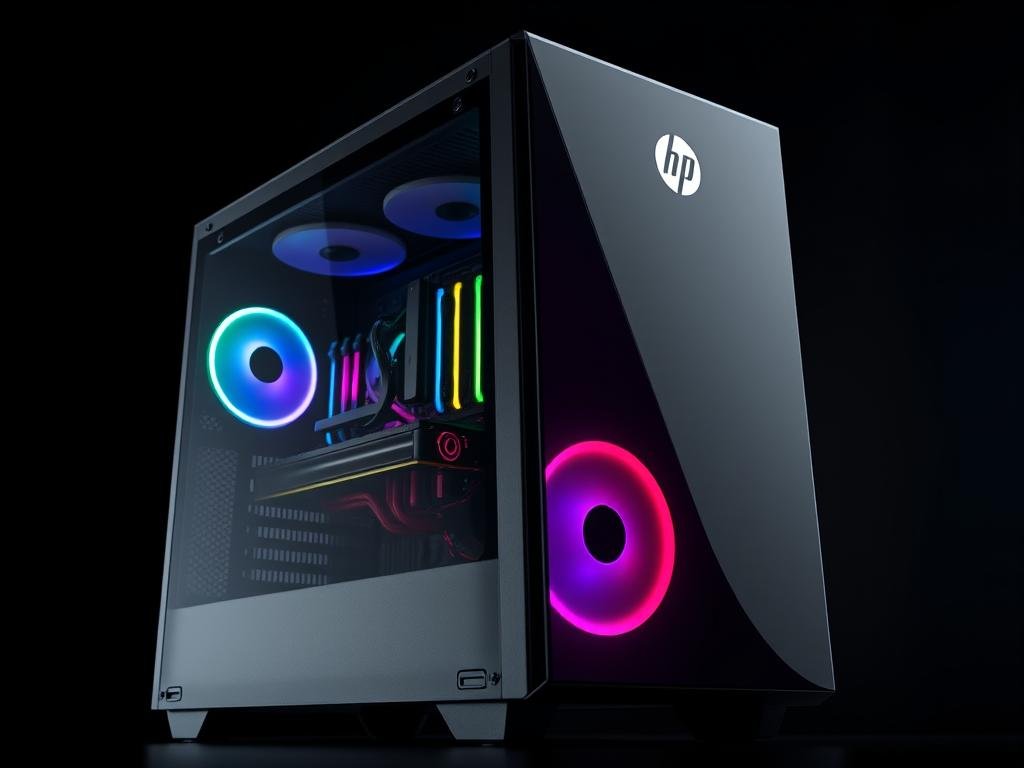
HP OMEN 16L
| Specification | Details |
| CPU | AMD Ryzen 5 8500G |
| Graphics | NVIDIA GeForce RTX 4060 |
| RAM | 16GB DDR5 |
| Storage | 1TB SSD |
| Cooling | Air cooling |
| Price Range | $1,199 – $1,399 |
The HP OMEN 35L delivers solid gaming performance at a more accessible price point than many high-end gaming rigs. With its AMD Ryzen 5 processor and NVIDIA GeForce RTX 4060 graphics card, this system can handle most modern games at 1080p with high settings.
Why You’ll Love It
- Excellent price-to-performance ratio
- RTX 4060 supports ray tracing and DLSS
- Attractive design with tempered glass panel
- Good thermal management
- Easy access for future upgrades
- OMEN Gaming Hub software for performance optimization
Consider This
- Limited 4K gaming capabilities
- 16GB RAM may need upgrading for future games
- Air cooling is adequate but not exceptional
- Some bloatware pre-installed
Gaming Performance
The HP OMEN 16L delivers solid frame rates in popular games:
| Game | 1080p (High) | 1440p (Medium) |
| Cyberpunk 2077 | 75 FPS | 52 FPS |
| Fortnite | 165 FPS | 112 FPS |
| Call of Duty: Modern Warfare | 105 FPS | 78 FPS |
The HP OMEN 16L is perfect for budget-conscious gamers who want a capable gaming PC without breaking the bank. It’s also suitable for casual content creators and streamers who need decent performance without the premium price tag of high-end systems.
Game On Without Breaking the Bank
Experience solid gaming performance at an affordable price with the HP OMEN 35L.
Desktop Computer Buying Guide for 2025
Processor (CPU) Considerations
Intel Options
- Core Ultra 9 Series: High-end performance for demanding workloads and gaming
- Core Ultra 7 Series: Excellent balance of performance and value
- Core Ultra 5 Series: Good for mainstream users and budget-conscious buyers
- Core i3/i5 (14th Gen): Still viable for basic computing needs
AMD Options
- Ryzen 9 9000 Series: Top-tier performance for enthusiasts and professionals
- Ryzen 7 9000 Series: Great balance for gaming and content creation
- Ryzen 5 8000/9000 Series: Excellent value for mainstream users
- Ryzen 7 9800X3D: Gaming-focused CPU with 3D V-Cache technology
Graphics Card (GPU) Requirements
| Use Case | Recommended GPU | Expected Performance |
| Basic Computing | Integrated Graphics | Sufficient for web browsing, office applications, and video streaming |
| 1080p Gaming | RTX 4060, RTX 5060, RX 7600 XT | 60+ FPS in most games at high settings |
| 1440p Gaming | RTX 5070, RTX 4070 Super, RX 9070 | 60+ FPS in demanding games at high settings |
| 4K Gaming | RTX 5080, RTX 5090, RX 9800 XT | 60+ FPS in most games at high settings |
| Content Creation | RTX 5070 or better, RTX A-series | Smooth video editing, 3D rendering, and AI workloads |
RAM and Storage Configurations
RAM Recommendations
- 8GB: Minimum for basic computing (not recommended for new systems)
- 16GB: Standard for gaming and everyday productivity
- 32GB: Ideal for content creation and future-proofing
- 64GB+: For professional workloads and heavy multitasking
- DDR5: Faster than DDR4, becoming the new standard in 2025
Storage Recommendations
- SSD (Primary): Essential for OS and applications
- 512GB SSD: Minimum recommended capacity
- 1TB+ SSD: Ideal for gaming and content creation
- HDD (Secondary): Optional for mass storage of media files
- PCIe 4.0/5.0 NVMe: Fastest storage technology available
Connectivity and Future-Proofing
When selecting a desktop computer in 2025, consider these connectivity features for future-proofing:
- USB-C/Thunderbolt 4: Essential for modern peripherals and fast data transfer
- Wi-Fi 6E/7: Latest wireless standards for optimal network performance
- Bluetooth 5.3+: For wireless peripherals and audio devices
- PCIe 5.0 Support: For future component upgrades
- HDMI 2.1/DisplayPort 2.1: For high-refresh-rate and high-resolution displays
- Upgradeable Components: Consider systems with standardized parts for future upgrades
Operating System Options
Windows 11
The most widely used desktop OS with the broadest software compatibility. Ideal for gaming and general-purpose computing. Latest updates include enhanced AI features and improved gaming performance.
macOS
Apple’s operating system offers excellent stability and integration with other Apple devices. Features Apple Intelligence and optimized performance on Apple Silicon. Limited gaming support but excellent for creative work.
Conclusion: Finding Your Perfect Desktop Computer in 2025
The best desktop computer for you depends entirely on your specific needs, preferences, and budget. In 2025, desktop computers continue to offer unmatched performance, upgradeability, and value compared to laptops and other computing devices.
For Everyday Users
- Dell XPS 8960 for balanced performance
- Acer Aspire TC-1770-UR12 for budget-conscious buyers
- Apple iMac (M4) for those who value design and simplicity
- Focus on reliable performance and value
For Gamers
- CyberPowerPC Gamer Supreme for high-end gaming
- HP OMEN 35L for budget-friendly gaming
- Alienware Aurora R16 for gaming and content creation
- Prioritize GPU performance and cooling efficiency
For Professionals
- HP Z8 Fury G5 for demanding workstation tasks
- Apple Mac Mini (M4) for compact professional work
- Alienware Aurora R16 for creative professionals
- Focus on CPU cores, RAM, and reliability
When making your decision, consider your primary use case, budget constraints, and future needs. Investing in a desktop with room for upgrades can extend its useful life and provide better long-term value. Remember that the best desktop computers in 2025 balance cutting-edge performance with reliability and value.
Ready to Find Your Perfect Desktop Computer?
Compare our top picks and find the ideal desktop for your specific needs and budget.