
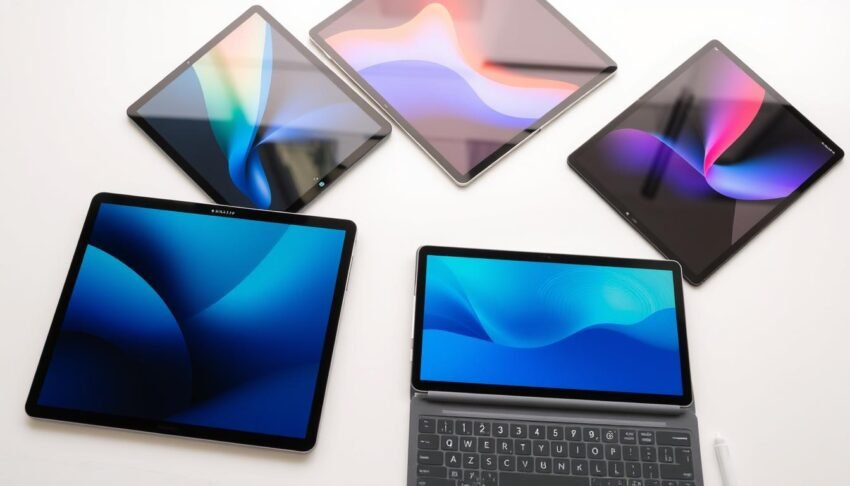
Best Tablets 2025: Quick Picks
Best Overall
Apple iPad Air (M3)
Perfect balance of performance, features, and price with the powerful M3 chip and excellent ecosystem.
Best Android
Samsung Galaxy Tab S10 Plus
Premium Android experience with a stunning OLED display, S Pen included, and excellent multitasking capabilities.
Best Budget
Google Pixel Tablet
Excellent value with versatile functionality, clean Android experience, and innovative charging speaker dock.
Comparing the Best Tablets of 2025
| Model | Processor | Display | Battery Life | Weight | Starting Price |
| Apple iPad Air (M3) | Apple M3 | 11″ or 13″ Liquid Retina | Up to 10 hours | 1.0 lb (11″) / 1.36 lb (13″) | $599 |
| Samsung Galaxy Tab S10 Plus | MediaTek Dimensity 9300+ | 12.4″ AMOLED, 120Hz | Up to 12 hours | 1.26 lb | $847 |
| Google Pixel Tablet | Google Tensor G2 | 11″ LCD, 60Hz | Up to 12 hours | 1.08 lb | $399 |
| Apple iPad Pro (M4) | Apple M4 | 11″ or 13″ Tandem OLED, 120Hz | Up to 10 hours | 1.03 lb (11″) / 1.27 lb (13″) | $999 |
| OnePlus Pad 2 | Snapdragon 8 Gen 3 | 12.1″ LCD, 144Hz | Up to 14 hours | 1.28 lb | $550 |
| Microsoft Surface Pro 11 | Snapdragon X Elite | 13″ OLED, 120Hz | Up to 14 hours | 1.94 lb | $1250 |
| Amazon Fire Max 11 | MediaTek MT8188J | 11″ LCD, 60Hz | Up to 14 hours | 1.1 lb | $249 |
How We Tested These Tablets
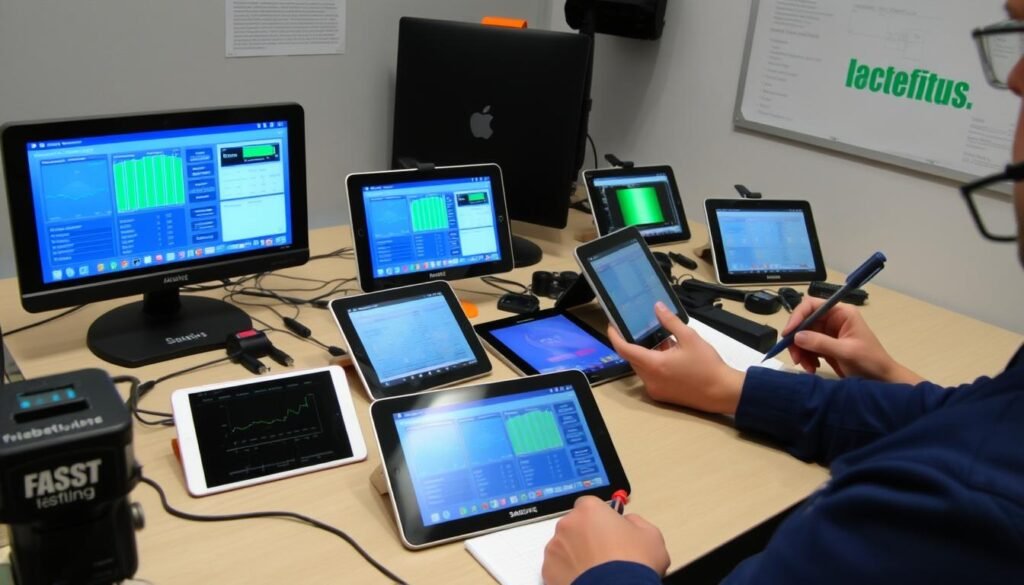
Our testing process is rigorous and comprehensive, ensuring that our recommendations are based on real-world performance rather than just specifications. We evaluated each tablet across several key criteria:
Performance Testing
- Benchmark tests for CPU and GPU performance
- Real-world multitasking with multiple apps
- Gaming performance with demanding titles
- Video editing and content creation capabilities
- AI feature performance and responsiveness
User Experience
- Display quality (brightness, color accuracy, refresh rate)
- Battery life under various usage scenarios
- Software experience and update commitment
- Build quality and design
- Accessory ecosystem and compatibility
1. Apple iPad Air (M3) – Best Overall Tablet of 2025
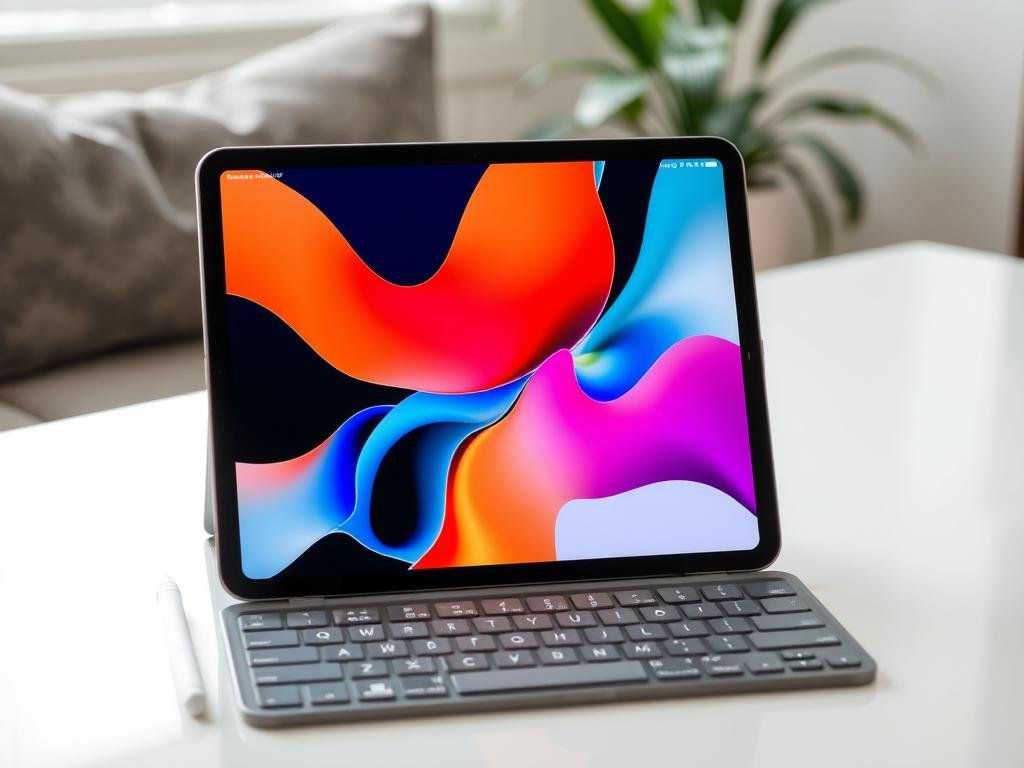
The 2025 iPad Air with the M3 chip represents the perfect balance of performance, features, and price, making it our top pick for the best overall tablet this year. Available in both 11-inch and 13-inch sizes, the iPad Air offers nearly all the capabilities of the more expensive iPad Pro at a significantly lower price point.
The M3 chip inside the iPad Air delivers exceptional performance for everything from casual browsing to demanding creative tasks. In our testing, it handled video editing, digital art creation, and even 3D modeling with impressive speed. The Liquid Retina display, while lacking the 120Hz ProMotion technology of the Pro models, still offers excellent color accuracy and brightness that makes content look stunning.
Key Specifications
- Processor: Apple M3 chip with 8-core CPU, 10-core GPU
- Display: 11-inch or 13-inch Liquid Retina display (2360 x 1640 at 264 ppi)
- Storage: 128GB, 256GB, 512GB, or 1TB options
- RAM: 8GB (16GB on 1TB model)
- Battery Life: Up to 10 hours of web browsing or video
- Cameras: 12MP wide rear, 12MP ultra-wide front with Center Stage
- Connectivity: Wi-Fi 6E, optional 5G cellular, USB-C (USB 3.1 Gen 2)
- OS: iPadOS 18 with Apple Intelligence
- Weight: 1.0 pound (11-inch) or 1.36 pounds (13-inch)
Pros
- Powerful M3 chip handles demanding tasks with ease
- Excellent display with accurate colors
- Compatible with Apple Pencil Pro and Magic Keyboard
- All-day battery life
- iPadOS 18 with Apple Intelligence features
- USB-C port with faster transfer speeds
- Available in two size options
Cons
- No Face ID (uses Touch ID in power button)
- 60Hz display (vs. 120Hz on Pro models)
- Accessories sold separately add significant cost
- iPadOS still has multitasking limitations
The iPad Air excels as a versatile device that can handle both entertainment and productivity tasks. The Apple Pencil Pro support makes it excellent for artists and note-takers, while the Magic Keyboard transforms it into a capable laptop alternative. Apple’s commitment to long-term software updates (typically 5-6 years) also means your investment will stay relevant for years to come.
Get the Apple iPad Air (M3)
Experience the perfect balance of performance and value with the iPad Air M3, available in 11-inch and 13-inch models starting at $599.
2. Samsung Galaxy Tab S10 Plus – Best Android Tablet of 2025
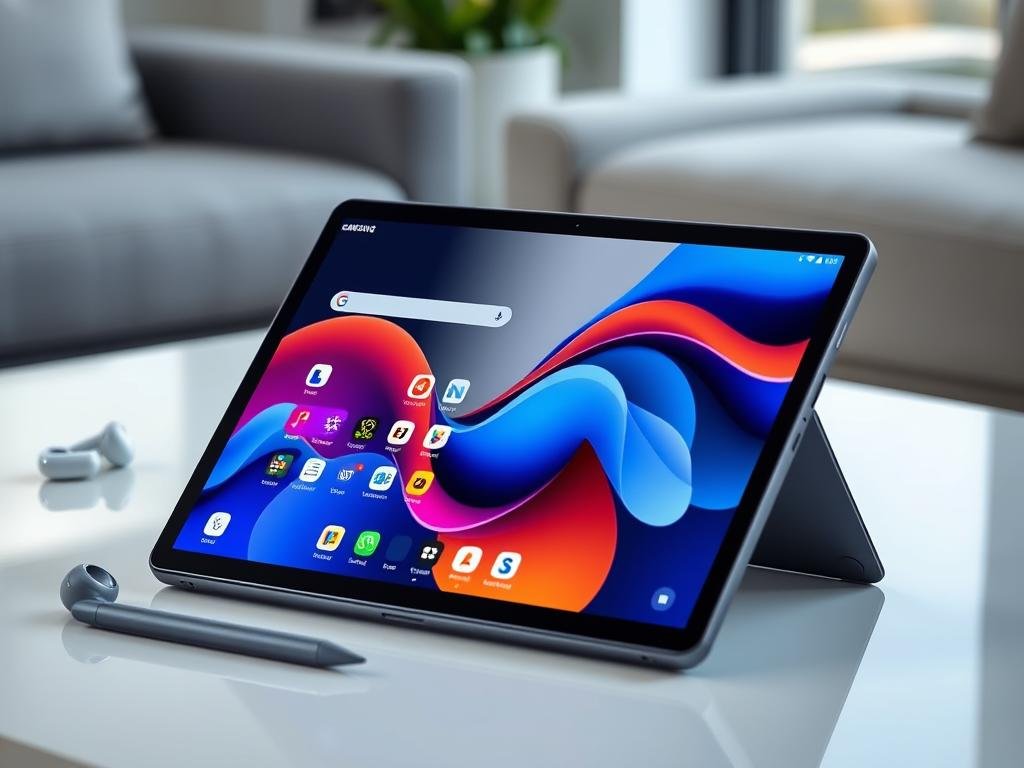
The Samsung Galaxy Tab S10 Plus stands as the pinnacle of Android tablets in 2025, offering a premium experience with its stunning 12.4-inch AMOLED display and powerful performance. What sets this tablet apart is its exceptional multitasking capabilities and the included S Pen stylus, making it a versatile device for both productivity and creativity.
Powered by the MediaTek Dimensity 9300+ processor, the Galaxy Tab S10 Plus delivers impressive performance for demanding tasks. The 120Hz refresh rate display provides smooth scrolling and responsive touch interactions, while the quad-speaker system tuned by AKG delivers rich, immersive audio. Samsung’s One UI 7.0 based on Android 15 offers a refined tablet experience with desktop-like features through DeX mode.
Key Specifications
- Processor: MediaTek Dimensity 9300+ (4nm)
- Display: 12.4-inch Super AMOLED, 120Hz (2800 x 1752)
- Storage: 256GB, 512GB (expandable via microSD)
- RAM: 12GB
- Battery: 10,090 mAh with 45W fast charging
- Cameras: 13MP wide + 8MP ultrawide (rear), 12MP (front)
- Connectivity: Wi-Fi 6E, Bluetooth 5.3, optional 5G
- OS: Android 15 with One UI 7.0
- Weight: 1.26 pounds
- Special Features: IP68 water/dust resistance, S Pen included, DeX mode
Pros
- Stunning AMOLED display with 120Hz refresh rate
- S Pen included in the box
- Excellent multitasking with DeX mode
- IP68 water and dust resistance
- Expandable storage via microSD
- Quad speakers tuned by AKG
- 7 years of software updates promised
Cons
- Expensive compared to other Android tablets
- Some bloatware in Samsung’s software
- Keyboard cover sold separately
- MediaTek processor not as powerful as Apple’s M-series
The Galaxy Tab S10 Plus excels as a premium Android tablet with its versatile capabilities. The combination of the gorgeous display, included S Pen, and DeX mode makes it suitable for everything from content consumption to serious productivity work. The water resistance is a unique feature not found on most tablets, adding durability for everyday use.
Get the Samsung Galaxy Tab S10 Plus
Experience Samsung’s premium Android tablet with a stunning AMOLED display and included S Pen, starting at $899.
3. Google Pixel Tablet – Best Value Tablet of 2025
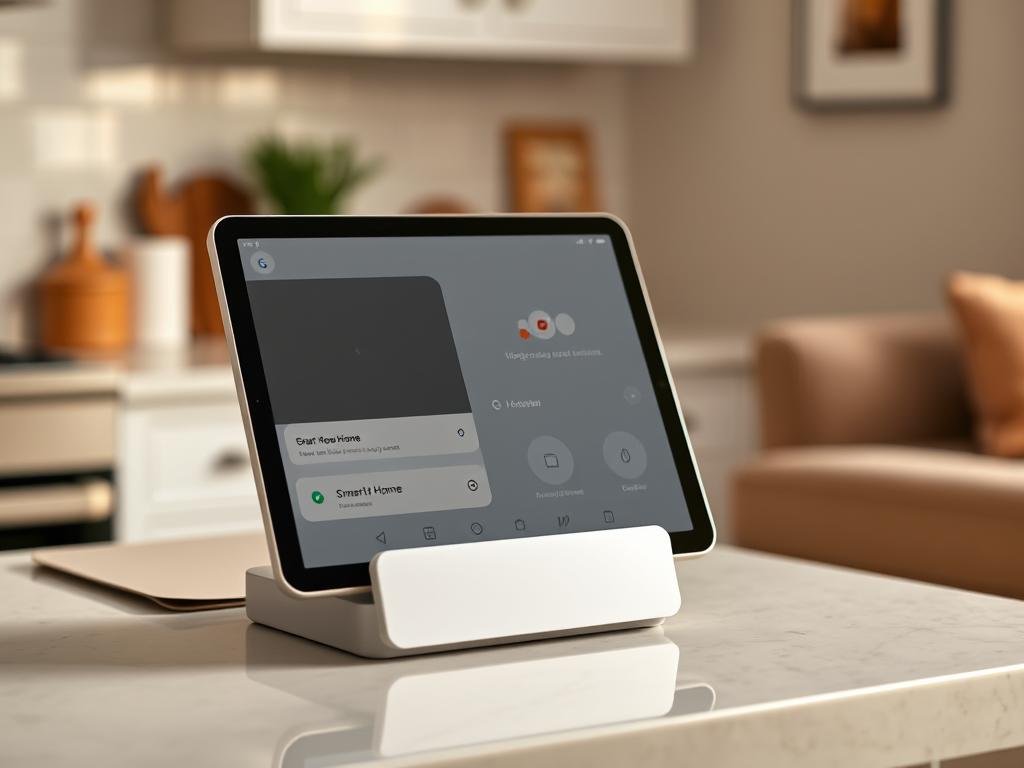
The Google Pixel Tablet offers exceptional value with its innovative approach to tablet functionality. What makes this device unique is its included charging speaker dock, which transforms the tablet into a smart home hub when not in active use. This dual-purpose functionality ensures the tablet remains useful throughout the day rather than sitting idle when not in hand.
Powered by Google’s Tensor G2 chip, the Pixel Tablet delivers smooth performance for everyday tasks and casual gaming. The clean Android experience with minimal bloatware is refreshing, and Google’s commitment to regular updates ensures the tablet stays current with the latest features and security patches. The 11-inch LCD display offers good color accuracy and brightness, though it lacks the high refresh rate found on more premium options.
Key Specifications
- Processor: Google Tensor G2
- Display: 10.95-inch LCD, 60Hz (2560 x 1600)
- Storage: 128GB or 256GB
- RAM: 8GB
- Battery: 5,000 mAh with 15W charging (dock) or 27W (USB-C)
- Cameras: 8MP (rear), 8MP (front)
- Connectivity: Wi-Fi 6, Bluetooth 5.2
- OS: Android 15 with 3 years of OS updates
- Weight: 1.08 pounds
- Special Features: Charging speaker dock included, Google Assistant, Cast integration
Pros
- Excellent value with included charging speaker dock
- Clean, bloatware-free Android experience
- Doubles as a smart home hub
- Good battery life
- Regular software updates from Google
- Multi-user support with up to 8 profiles
- Nano-ceramic coating reduces fingerprints
Cons
- 60Hz display (vs. higher refresh rates on competitors)
- Limited stylus support
- No cellular option
- Cameras are merely adequate
- Not all Android apps are optimized for tablets
The Pixel Tablet shines as a versatile device that seamlessly transitions between tablet and smart home hub roles. Its clean software experience and regular updates make it a pleasure to use, while the included speaker dock adds significant value. For users invested in the Google ecosystem, this tablet offers excellent integration with other Google services and devices.
Get the Google Pixel Tablet
Experience Google’s innovative tablet with included charging speaker dock, starting at $499.
4. Apple iPad Pro (M4) – Best Premium Tablet of 2025
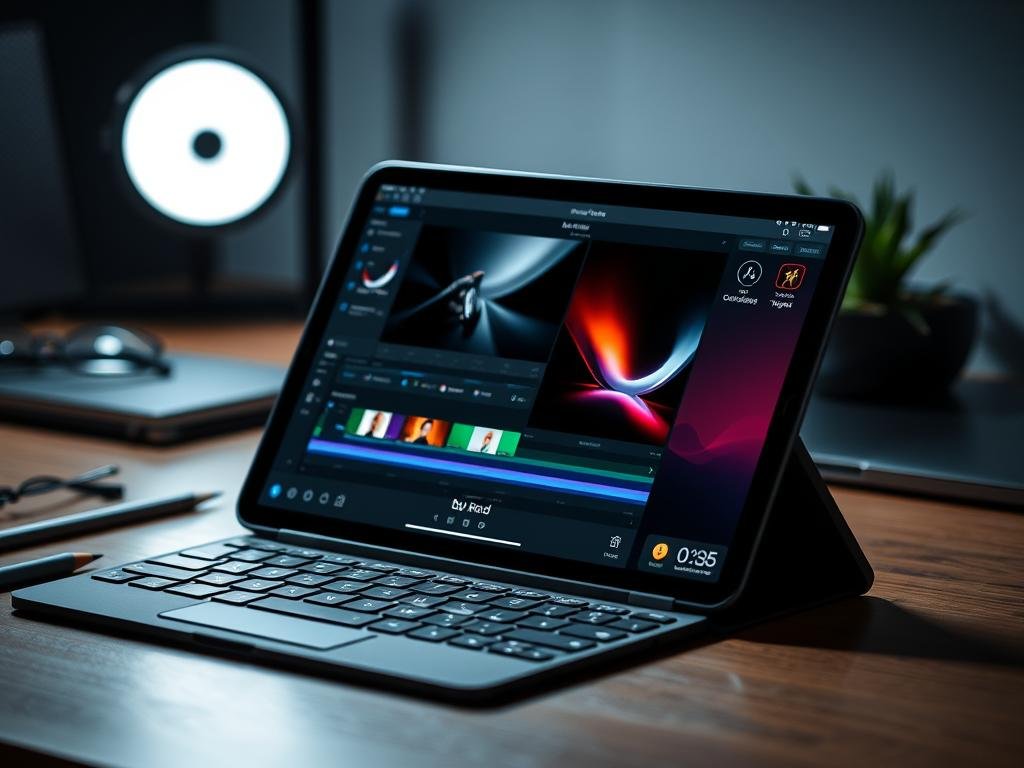
The iPad Pro with the M4 chip represents the absolute pinnacle of tablet technology in 2025. With its breathtaking Tandem OLED display, desktop-class performance, and incredibly thin design, this is the ultimate tablet for professionals and power users who demand the very best and are willing to pay for it.
The M4 chip inside the iPad Pro delivers performance that rivals or exceeds many laptops, making it capable of handling professional video editing, 3D modeling, and other demanding creative tasks. The Tandem OLED display offers perfect blacks, vibrant colors, and exceptional brightness up to 1,600 nits, while the 120Hz ProMotion technology ensures smooth scrolling and responsiveness. The Apple Pencil Pro provides the most precise and responsive drawing experience available on any tablet.
Key Specifications
- Processor: Apple M4 chip
- Display: 11-inch or 13-inch Tandem OLED with ProMotion 120Hz
- Storage: 256GB, 512GB, 1TB, or 2TB
- RAM: 8GB (16GB on 1TB and 2TB models)
- Battery: Up to 10 hours of web browsing or video
- Cameras: 12MP wide + LiDAR scanner (rear), 12MP ultra-wide (front)
- Connectivity: Wi-Fi 6E, optional 5G cellular, Thunderbolt 4
- OS: iPadOS 18 with Apple Intelligence
- Weight: 1.03 pounds (11-inch) or 1.27 pounds (13-inch)
- Special Features: Face ID, Apple Pencil Pro hover, nano-texture glass option
Pros
- Exceptional performance with M4 chip
- Stunning Tandem OLED display with 120Hz ProMotion
- Incredibly thin and lightweight design
- Thunderbolt 4 port for high-speed connectivity
- Face ID for secure authentication
- Apple Pencil Pro with hover and haptic feedback
- Excellent camera system with LiDAR
Cons
- Very expensive, especially with accessories
- iPadOS still limits some professional workflows
- No headphone jack
- Accessories sold separately add significant cost
- Battery life could be better given the price
The iPad Pro is the ultimate tablet for creative professionals, power users, and anyone who wants the absolute best tablet experience regardless of price. Its combination of raw power, stunning display, and premium build quality makes it unmatched in the tablet market. However, the high price and iPadOS limitations mean it’s not the right choice for everyone.
Get the Apple iPad Pro (M4)
Experience the ultimate tablet with desktop-class performance and a stunning OLED display, starting at $999.
5. OnePlus Pad 2 – Best Android Tablet for Multitasking
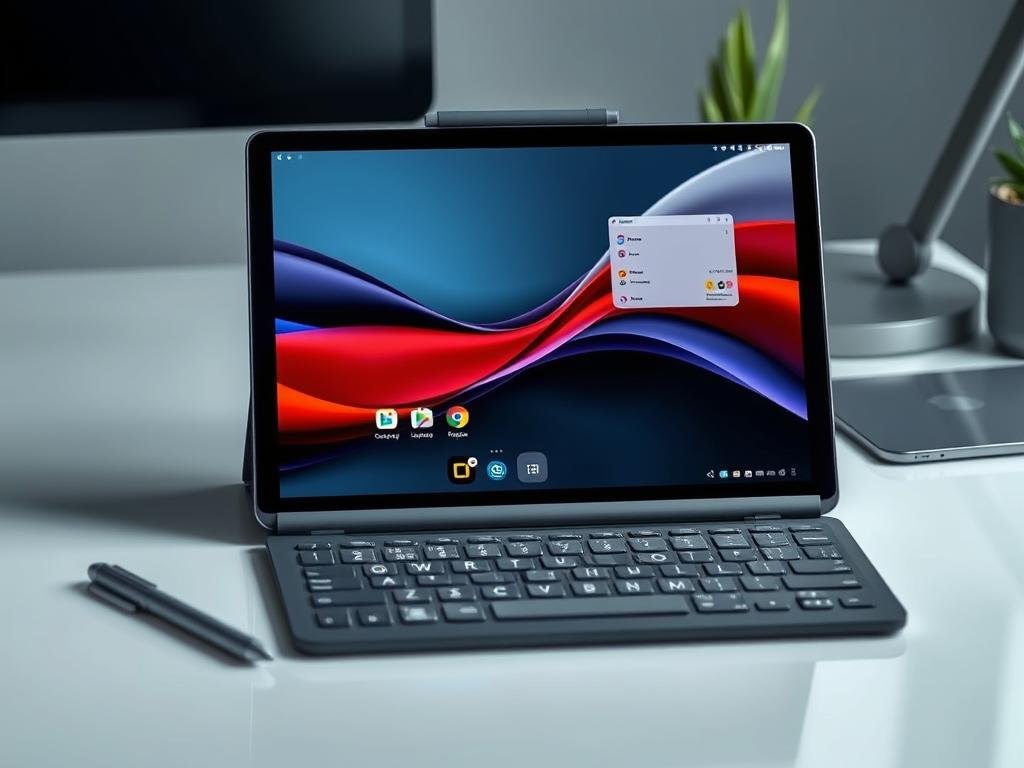
The OnePlus Pad 2 stands out in the Android tablet market with its exceptional multitasking capabilities and impressive performance. The innovative Open Canvas feature allows for a unique horizontal scrolling multitasking experience that makes juggling multiple apps more intuitive than on other Android tablets.
Powered by the flagship Snapdragon 8 Gen 3 processor and equipped with 12GB of RAM, the OnePlus Pad 2 delivers smooth performance for demanding tasks. The 12.1-inch LCD display with a 144Hz refresh rate provides fluid visuals, though it lacks the deep blacks and contrast of OLED panels. The tablet’s six-speaker system produces impressive audio quality that enhances the entertainment experience.
Key Specifications
- Processor: Qualcomm Snapdragon 8 Gen 3
- Display: 12.1-inch LCD, 144Hz (3000 x 2120)
- Storage: 256GB (non-expandable)
- RAM: 12GB
- Battery: 9,510 mAh with 67W SUPERVOOC charging
- Cameras: 13MP (rear), 8MP (front)
- Connectivity: Wi-Fi 7, Bluetooth 5.4
- OS: Android 15 with OxygenOS 15
- Weight: 1.28 pounds
- Special Features: Open Canvas multitasking, six-speaker system, Dolby Vision and Atmos
Pros
- Innovative Open Canvas multitasking
- Powerful Snapdragon 8 Gen 3 processor
- Smooth 144Hz display
- Excellent battery life with fast charging
- Impressive six-speaker audio system
- Clean software experience
- Wi-Fi 7 support
Cons
- LCD display instead of OLED
- No expandable storage
- No cellular option
- Accessories sold separately
- Only 3 years of software updates promised
The OnePlus Pad 2 excels as a productivity-focused Android tablet with its unique multitasking capabilities and powerful performance. The combination of the high refresh rate display, strong battery life, and clean software experience makes it an excellent choice for users who want a capable Android tablet for both work and entertainment.
Get the OnePlus Pad 2
Experience OnePlus’s powerful tablet with innovative multitasking features, starting at $549.
6. Microsoft Surface Pro 11 – Best Windows Tablet of 2025
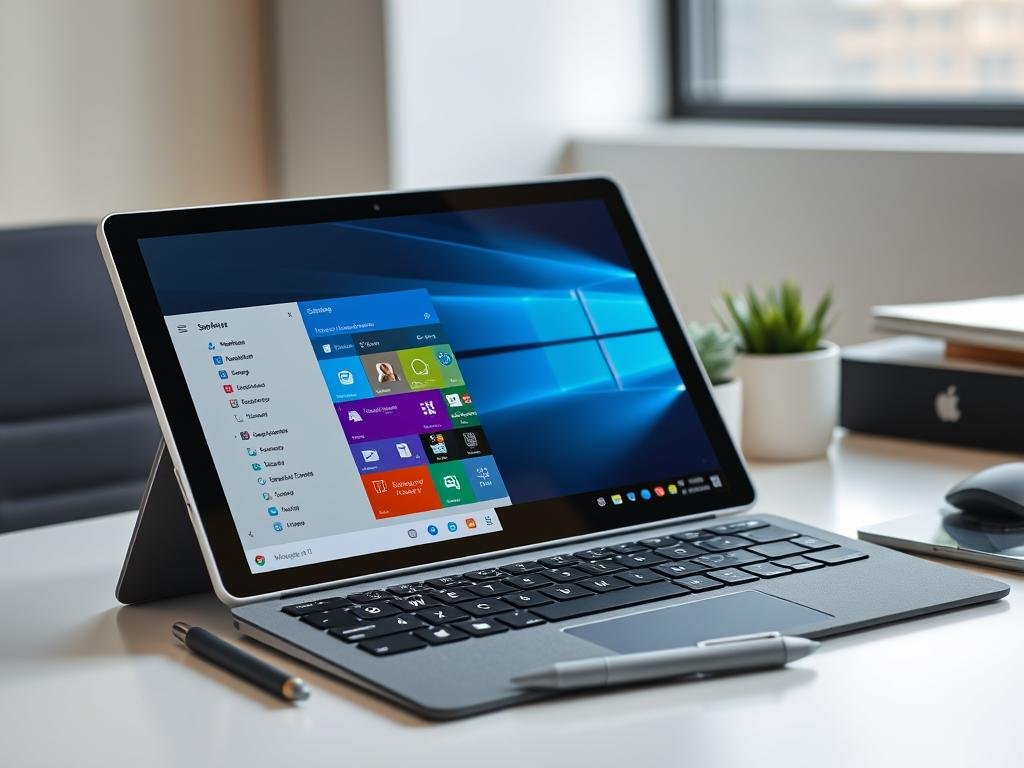
The Microsoft Surface Pro 11 stands apart from other tablets by offering a full Windows experience in a versatile 2-in-1 form factor. This makes it the ideal choice for users who need desktop applications and a true laptop replacement rather than a mobile-first tablet experience.
Powered by the Snapdragon X Elite processor, the Surface Pro 11 delivers impressive performance while maintaining good battery life. The 13-inch OLED display offers excellent color accuracy and contrast, while the 120Hz refresh rate ensures smooth interactions. The built-in kickstand provides versatility for different usage scenarios, and the optional Flex Keyboard offers a laptop-like typing experience.
Key Specifications
- Processor: Qualcomm Snapdragon X Elite
- Display: 13-inch OLED, 120Hz (2880 x 1920)
- Storage: 256GB, 512GB, 1TB (SSD)
- RAM: 16GB, 32GB, or 64GB
- Battery: Up to 14 hours of typical device usage
- Cameras: 10MP (rear), 1080p HD (front)
- Connectivity: Wi-Fi 6E, Bluetooth 5.3, optional 5G
- Ports: 2x USB-C with Thunderbolt 4, Surface Connect port
- OS: Windows 11 with Copilot+
- Weight: 1.94 pounds (tablet only)
- Special Features: Built-in kickstand, Windows Hello face authentication
Pros
- Full Windows 11 operating system
- Beautiful OLED display with 120Hz refresh rate
- Versatile kickstand built-in
- Strong performance with Snapdragon X Elite
- Good battery life for a Windows device
- Thunderbolt 4 connectivity
- Windows Hello face authentication
Cons
- Expensive, especially with accessories
- Keyboard and pen sold separately
- Heavier than most tablets
- Some Windows apps still have ARM compatibility issues
- Limited tablet-optimized apps compared to iPad
The Surface Pro 11 excels as a productivity-focused device that can truly replace a laptop while offering tablet flexibility. Its ability to run full desktop applications makes it ideal for professionals who need Windows-specific software. The OLED display and improved performance make this the best Surface Pro yet, though the high price and need to purchase accessories separately remain drawbacks.
Get the Microsoft Surface Pro 11
Experience the versatility of Windows in a premium tablet form factor, starting at $999.
7. Amazon Fire Max 11 – Best Budget Tablet of 2025
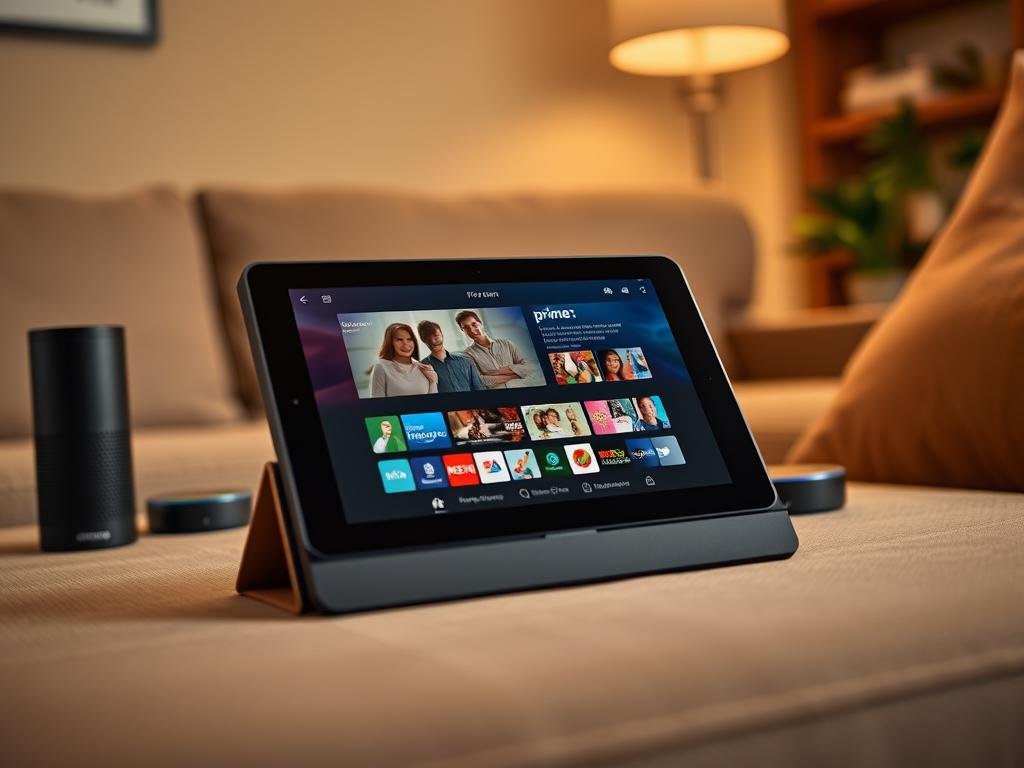
The Amazon Fire Max 11 offers exceptional value for budget-conscious consumers who primarily want a tablet for entertainment and basic tasks. With its surprisingly premium build quality, decent display, and affordable price point, it’s an excellent option for casual users who don’t need the advanced features of more expensive tablets.
The MediaTek processor provides adequate performance for streaming, browsing, and light gaming, though it can struggle with more demanding applications. The 11-inch display offers good color reproduction and sharpness for the price, making it suitable for watching movies and shows. Amazon’s Fire OS is heavily integrated with Amazon services, which is great for Prime members but can feel limiting for those who prefer Google’s app ecosystem.
Key Specifications
- Processor: MediaTek MT8188J
- Display: 11-inch LCD, 60Hz (2000 x 1200)
- Storage: 64GB or 128GB (expandable via microSD)
- RAM: 4GB
- Battery: Up to 14 hours of mixed use
- Cameras: 8MP (rear), 5MP (front)
- Connectivity: Wi-Fi 6, Bluetooth 5.3
- OS: Fire OS 9 (based on Android)
- Weight: 1.1 pounds
- Special Features: Alexa hands-free, Show Mode, fingerprint sensor
Pros
- Excellent value for the price
- Premium metal build quality
- Good display for media consumption
- Expandable storage via microSD
- Strong battery life
- Fingerprint sensor for security
- USB-C charging
Cons
- No Google Play Store (without workarounds)
- Limited app selection in Amazon Appstore
- Ad-supported unless you pay extra
- Performance lags behind more expensive tablets
- Camera quality is merely adequate
The Fire Max 11 excels as a budget entertainment tablet, particularly for Amazon Prime members who can take full advantage of the integrated services. Its combination of decent hardware, good battery life, and low price make it an excellent value proposition for casual users. While it can’t compete with premium tablets in terms of performance or app ecosystem, it delivers a satisfying experience for its intended purpose.
Get the Amazon Fire Max 11
Experience Amazon’s best tablet with a premium build and great entertainment features, starting at just $229.
Tablet Buying Guide 2025
What to Consider When Buying a Tablet in 2025
What tablet is best for students?
Students should prioritize portability, note-taking capabilities, and value. The iPad Air (M3) is excellent for most students with its Apple Pencil support and powerful performance. For a more budget-friendly option, the base iPad (10th gen) offers good performance at a lower price. Android users should consider the Samsung Galaxy Tab S9 FE, which includes an S Pen for note-taking. For students on tight budgets, the Amazon Fire Max 11 can handle basic tasks like research, writing papers, and reading digital textbooks.
What tablet is best for professionals?
Professionals should focus on performance, multitasking capabilities, and accessory ecosystem. The iPad Pro (M4) is the most powerful tablet available, making it ideal for demanding creative work. The Microsoft Surface Pro 11 is better for those who need Windows-specific software and a true laptop replacement. For Android users, the Samsung Galaxy Tab S10 Plus offers excellent multitasking with DeX mode. Consider your specific workflow needs and software requirements when choosing a professional tablet.
What tablet is best for gaming?
Gamers should prioritize processing power, display quality, and refresh rate. The iPad Pro (M4) offers the best gaming performance with its powerful chip and 120Hz ProMotion display. The iPad Air (M3) is also excellent for gaming at a lower price point. For Android gamers, the OnePlus Pad 2 with its 144Hz display and Snapdragon 8 Gen 3 processor delivers a smooth gaming experience. Consider cloud gaming services like Xbox Game Pass, which work well on most modern tablets with good internet connections.
Android vs. iOS vs. Windows Tablets in 2025
iOS (iPadOS)
- Best app ecosystem optimized for tablets
- Smooth performance and long software support
- Excellent accessory ecosystem
- Apple Intelligence features for productivity
- Limited customization and file management
- Premium pricing across the board
Android
- Greater hardware variety and price options
- Better multitasking on Samsung and OnePlus tablets
- More customization options
- Expandable storage on many models
- Fewer tablet-optimized apps
- Shorter software support (except Samsung)
Windows
- Full desktop operating system
- Runs professional desktop software
- Better for productivity and work
- More ports and connectivity options
- Less touch-optimized interface
- Fewer tablet-specific apps
- Generally heavier and less battery efficient
Are Budget Tablets Worth It?
Budget tablets (under $300) have improved significantly in recent years. Models like the Amazon Fire Max 11 offer good displays, decent performance for basic tasks, and excellent battery life at affordable prices. They’re well-suited for:
- Media consumption (streaming video, reading, browsing)
- Basic gaming
- Email and social media
- Children’s use with parental controls
However, budget tablets typically compromise on performance, build quality, and software support. They’re not ideal for demanding tasks like video editing, professional art creation, or running multiple apps simultaneously. If you need a tablet for productivity or creative work, investing in a mid-range or premium model will provide a much better experience and longer useful life.
Pro Tip: Watch for sales on last-generation premium tablets. Last year’s iPad Air or Samsung Galaxy Tab can often be found at significant discounts and will typically outperform current budget models while offering longer software support.
The Future of Tablet Technology
As we look beyond 2025, several emerging trends are set to reshape the tablet landscape:
Foldable Displays
Foldable tablets that can transform from phone-sized devices to full tablets are becoming more viable as display technology advances. Samsung, Huawei, and other manufacturers are investing heavily in this technology, which could eventually blur the line between smartphones and tablets.
AI Integration
Artificial intelligence is becoming increasingly central to tablet experiences. From context-aware assistants to real-time translation, image generation, and advanced photo editing, AI features will continue to expand what’s possible on tablets without requiring cloud processing.
Advanced Display Technology
Micro-LED and improved OLED technologies will bring even better display quality, with higher brightness, perfect blacks, and improved energy efficiency. Variable refresh rates that can scale from 1Hz to 240Hz will balance smooth performance with battery life.
Improved Multitasking
Both iPadOS and Android are evolving to offer more desktop-like multitasking experiences. We expect to see more sophisticated window management, improved external display support, and better integration with desktop operating systems.
Sustainability Focus: Manufacturers are increasingly emphasizing sustainability in tablet design, with more recycled materials, longer software support, and improved repairability. This trend will likely accelerate as consumers become more environmentally conscious.
Conclusion: Finding Your Perfect Tablet in 2025
The tablet market in 2025 offers more compelling options than ever before, with devices that can serve as entertainment centers, productivity workhorses, creative tools, or all of the above. When choosing the right tablet, consider your primary use cases, ecosystem preferences, and budget constraints.
For most users, the Apple iPad Air (M3) offers the best balance of performance, features, and price, making it our top overall recommendation. Android users will find the Samsung Galaxy Tab S10 Plus to be an excellent premium option, while the Google Pixel Tablet provides great value with its innovative dock. Those who need a true laptop replacement should consider the Microsoft Surface Pro 11 with its full Windows capabilities.
Budget-conscious buyers can find solid options in the Amazon Fire Max 11 or the base iPad, both of which offer good experiences for entertainment and basic productivity at lower price points. Whatever your needs, there’s a tablet in 2025 that’s perfect for you.
Ready to Find Your Perfect Tablet?
Compare the top tablets of 2025 and find the best deals from trusted retailers.